Most smart homes don't fail because the technology is bad. They fail because people buy gadgets before deciding what should control them. Six months in, there are four apps on the phone, two hubs in a drawer, and a hallway lamp that switches on at 2 a.m. because someone set a schedule and forgot about it.
A better route is smaller and cheaper. Pick one annoyance you actually have, solve it properly, then add the next piece only when it earns its place. That order matters far more than the brand name on the box.
Start With the Annoyance, Not the Product
Before buying anything, write down two or three things you'd like the house to do without you thinking about them. Real examples beat wish lists:
- The porch light comes on at sunset and off at sunrise.
- The corner lamp turns off when everyone has left for the day.
- You get a notification if the garage door is still open at 10 p.m.
- The kitchen light comes on at low brightness at 6 a.m.
Then ask two practical questions about each one. Who else in the house touches this device, and what happens when the internet goes down? A guest who flips a wall switch can undo an entire lighting plan. A cloud-only lock becomes a metal brick during an outage. Devices that keep working locally, or that fail in a predictable way, are worth more than the ones with the nicest app.
The Devices Worth Buying First
If you're starting from nothing, this order works for most homes.
- Smart plugs. The cheapest genuinely useful device you can buy. They turn any lamp, fan, or coffee maker into a schedule-capable appliance. Buy two, not ten.
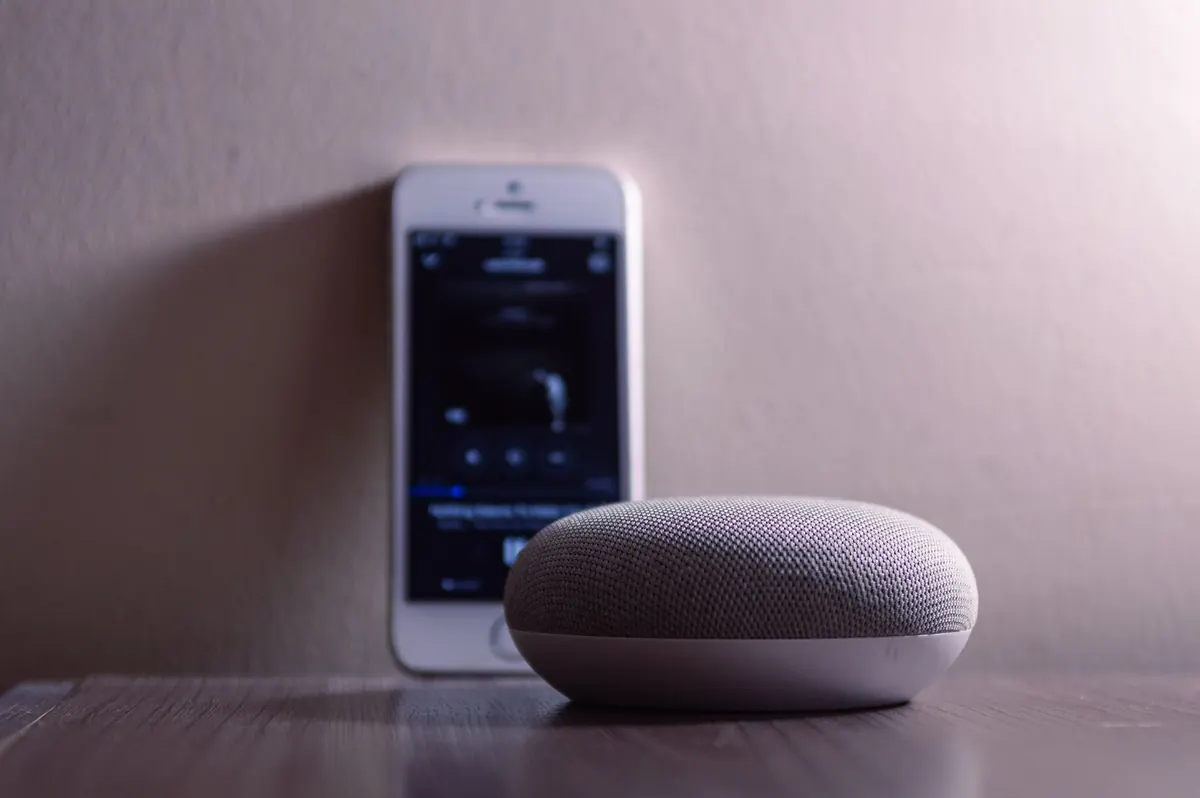
- A smart speaker or display. This is your remote control for everything else. Choose the assistant your household already uses on its phones.
- Smart bulbs for lamps, smart switches for ceiling lights. Bulbs are perfect where there's no wall switch to fight with. For a ceiling fixture that guests will switch off at the wall, a smart switch or dimmer is the better spend.
- A hub, but only when you need one. Plenty of setups run fine without one. Add a hub when you want Zigbee, Z-Wave, or Thread devices, or when you want routines to keep running locally.
- A router that can handle the load. Twenty cheap Wi-Fi gadgets on an old router will feel worse than five on a decent one.
Why Matter and Thread Keep Coming Up
Matter is a shared standard, which means devices from different brands can work with the same app and the same voice assistant. Thread is a low-power mesh network that some Matter devices use; it needs a border router, which is often built into a speaker or hub you may already own. Zigbee and Z-Wave are older mesh standards that still work well, but they generally need their own hub.
The practical takeaway: when two devices cost about the same, buy the one labelled Matter. Don't replace gear that already works just to chase the label. A working lamp beats a future-proof lamp that hasn't been plugged in yet.
Upgrades That Earn Their Place
Once the basics are running, these are the additions people keep using rather than abandon after a month.
- A smart thermostat. Check compatibility before you buy; many systems need a C-wire. If you're unsure about your wiring, ask an HVAC professional rather than guessing.
- A smart lock with a keypad. The auto-lock feature is the real benefit, not the app. Keep a physical key somewhere sensible anyway.
- Leak sensors. Under the kitchen sink, beside the water heater, behind the washing machine. Cheap, boring, and the one device you'll be glad you owned.
- A video doorbell. Decide up front whether you're comfortable with a subscription, or pick a model that stores footage locally.
- Energy-monitoring plugs. Useful for a space heater, a dehumidifier, or anything you suspect is quietly expensive to run.
What to Skip, at Least for Now
Some categories are sold hard and deliver little. Smart refrigerators, ovens, and washing machines add an app where a button already worked. Smart bulbs in a ceiling fixture controlled by a wall switch will be "offline" half the time. No-name cameras with cloud-only storage are a privacy and reliability gamble you don't need to take.
Also skip the twelve-piece bundle deals, devices that only work with one brand's hub for basic functions, and voice control for things you do twice a year. A smart water bottle is not a smart home improvement.
Set It Up So It Keeps Working
Half the frustration people blame on smart home tech is actually setup. Give every device a name a human would recognise: "Kitchen Lamp," not "Plug 4." Label the physical plugs with a marker. Put your gadgets on a separate network or guest SSID where your router allows it, and make sure that network runs on 2.4 GHz, since many inexpensive devices can't see a 5 GHz band.
Use unique passwords, turn on two-factor authentication where the app offers it, and install firmware updates when they appear. Build a handful of routines you'll actually notice, not thirty you'll forget. And always keep a manual fallback: a key, a wall switch, a plain light bulb on a shelf. If a room can't be lit when the Wi-Fi is down, something has gone wrong.
A Starter Kit You Can Finish This Weekend
Two smart plugs, one or two smart bulbs, and a speaker is a complete, working starter kit. Add a thermostat if you want real comfort and energy benefits, and a camera or leak sensor if you have a specific reason for one. Then live with it for a month before buying anything else.
Expand one room at a time, and let each purchase answer a problem you've already noticed. Built that way, a smart home stays useful, stays affordable, and never ends up as a drawer full of hubs and a lamp that turns on at 2 a.m.
Photo: Caio / Pexels